Your starting point
Boundary, sprayer width, track gauge, tires and planting layout.

GEOFARM PRO / CONNECTED TOOLS
Configure sprayer, track width, tires and planter. Simulate wheel tracks and row shutoff to coordinate passes and assess planting against subsequent field traffic.

Boundary, sprayer width, track gauge, tires and planting layout.
Anticipate conflicts between plant positions and machine traffic.
Traffic and planting plan; outcomes depend on execution and equipment.
INSIDE THE TOOL
From data preparation to final delivery, explore the controls that bring precision to planning and connect every stage of your work.
Define sprayer geometry that establishes the track pattern. Working width organizes repeated passes.
Relate tire width and distance between wheels to position tracks relative to the planting layout.
Enter row count and spacing to represent the planting setup and study its relationship with spraying.
Explore which planting rows coincide with traffic lanes and how to configure row shutoff in the plan.
Inspect tracks, passes and plants in the same area. The combined view reveals layout compatibility.
Generate the project with your chosen configuration and prepare the deliverable to guide field execution.
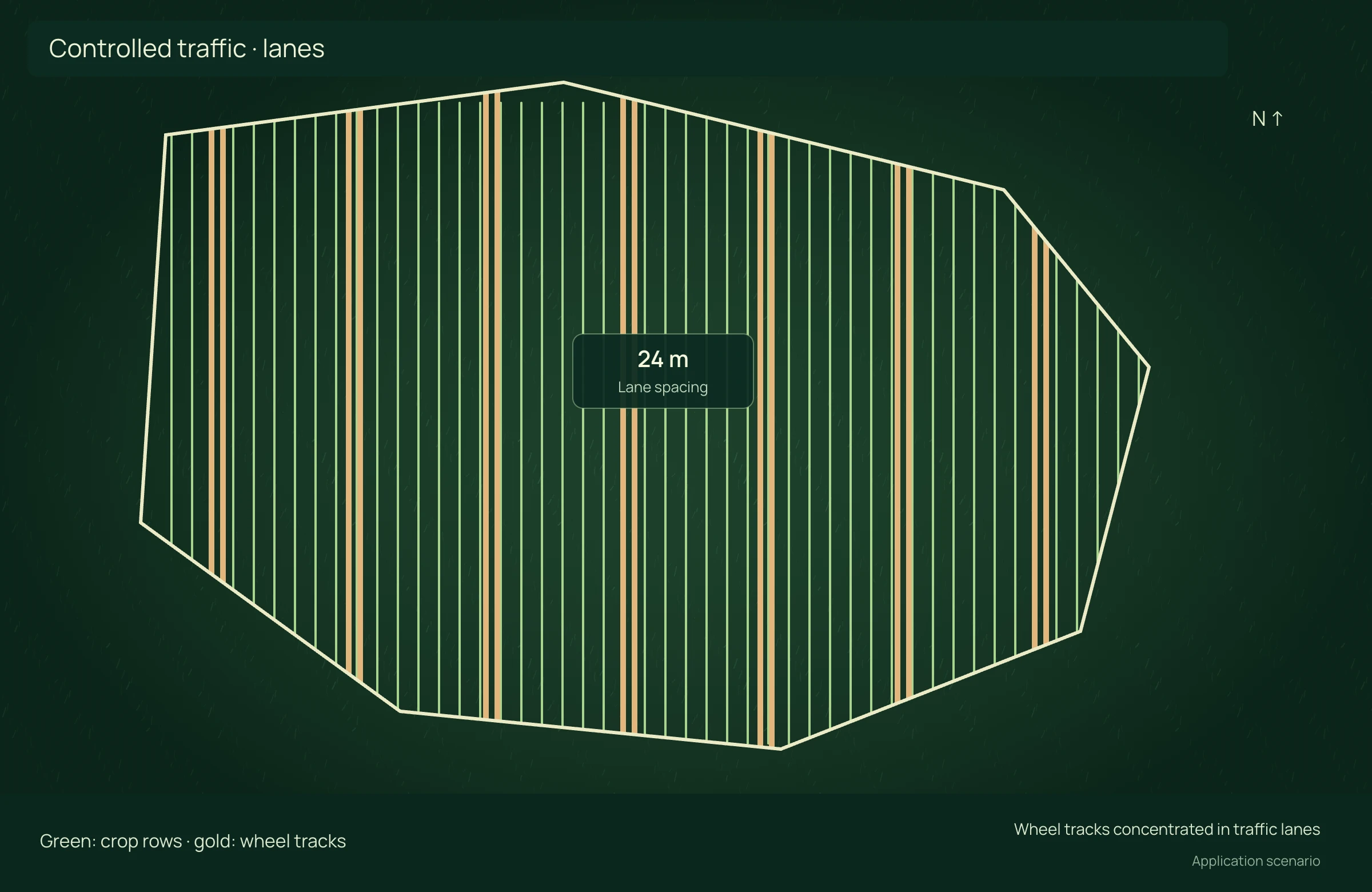
APPLICATION SCENARIO
When combining planter and sprayer, the team studies which rows intersect wheel tracks. Planning allows row shutoff adjustments and geometric compatibility assessment before execution.
PRECISION YOU CAN MEASURE
Align wheel tracks, planting rows and traffic lanes to concentrate passes and preserve plants.
Enter unique affected area across passes; do not multiply repeated tracks in the same location. Net price deducts additional harvest and marketing costs. Preserved revenue is distinct from cash cost savings; no compaction effect is assumed elsewhere in the field.
ECONOMIC COMPARISON
Enable JavaScript to calculate this scenario.
Editable example per campaign or project. Enter local costs and the share of software, correction signal, equipment and services used in this scenario. Results are estimated from inputs; defaults are not research averages. Do not add benefits from studios representing the same operation.
Production loss = area × unique affected share × in-track loss × undamaged yield. Lost value = tonnes × net price. Net benefit = conventional loss − planned loss − technology.
Net benefit = conventional cost − precision cost, including technology. Net return on technology = net benefit ÷ allocated technology cost × 100; displayed only when this cost is greater than zero. Only described components are compared, not the full crop budget.
Explore scenarios, track the effect of each input and export the comparison to discuss with your team.
References support the agronomic mechanisms. Example values are editable assumptions, not percentages attributed to the studies.
ONLINE AND DESKTOP · WINDOWS AND macOS
From a connected environment to planning with local files: choose the work profile that suits your team and operation.
Access the platform in your browser and connect information, analysis and deliverables in one workspace.
Organize files and projects on your computer, prepare basemaps and bring planning into your field routine.
For teams that center technical work on Windows workstations and value organized files, equipment and projects.
Talk to our team to define the right configuration for your online or offline operation.
Choose my solution ↗CONTINUE THE WORKFLOW
LET’S TALK ABOUT YOUR OPERATION