Your starting point
Yield and moisture records with verified geometry and units.

GEOFARM PRO / CONNECTED TOOLS
Select yield and moisture attributes, remove outliers and apply moisture correction. Configure interpolation, classes and legends to interpret within-field variability.
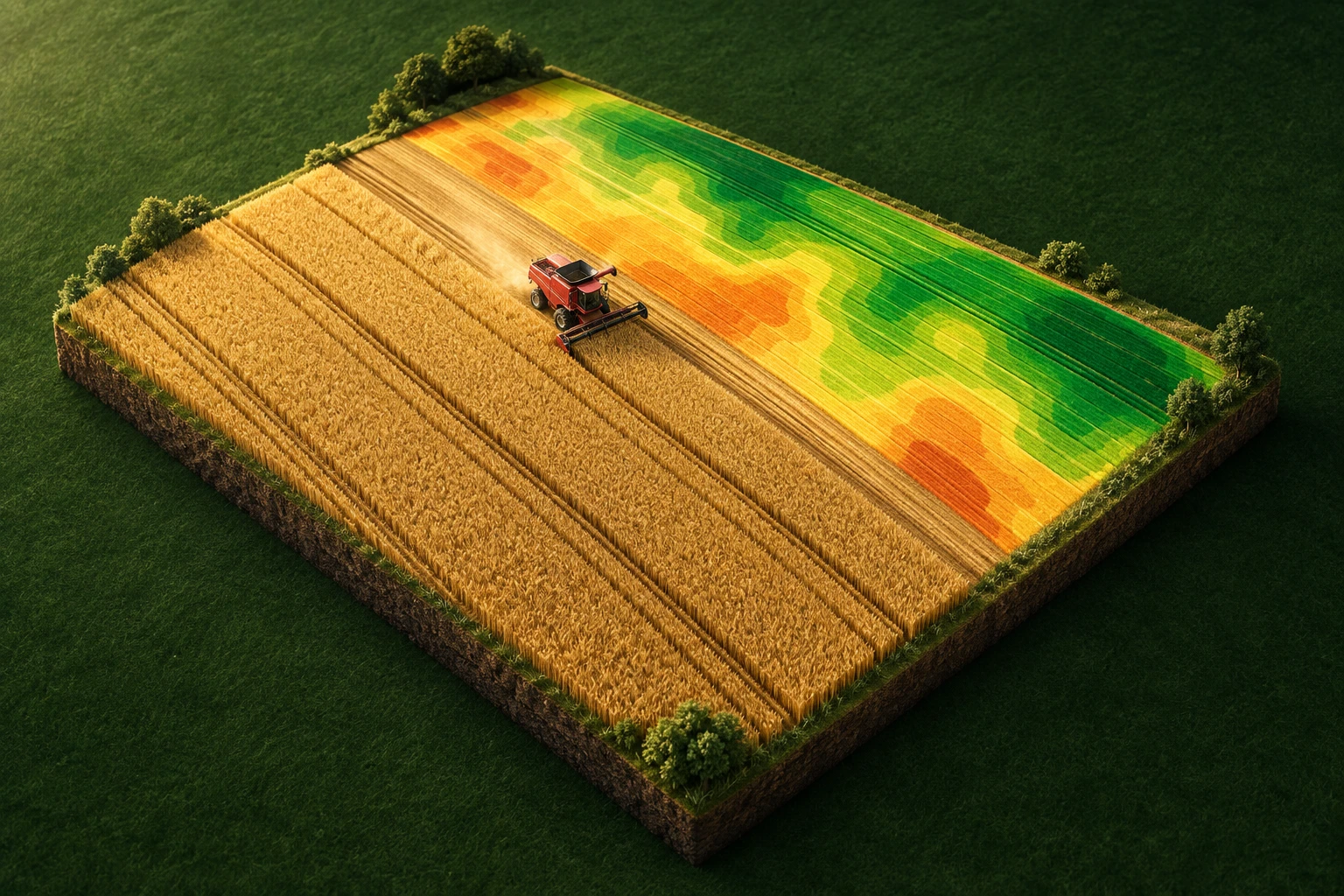
Yield and moisture records with verified geometry and units.
Separate sensor noise from yield differences before making decisions.
Processed yield map for analysis and comparison.
INSIDE THE TOOL
From data preparation to final delivery, explore the controls that bring precision to planning and connect every stage of your work.
Map the correct columns to yield and moisture. Reviewing units creates a consistent basis for spatial analysis.
Inspect extreme readings and tune filtering criteria to distinguish field differences from anomalous records.
Normalize records to the moisture reference used in the analysis. This makes comparisons across readings more consistent.
Set neighborhood and interpolation parameters to build a yield surface from machine records.
Organize the legend into classes that make environments easier to recognize. Compare spatial distribution and value ranges.
Save the processed layer to the field and bring yield patterns into zone analysis and next-season planning.
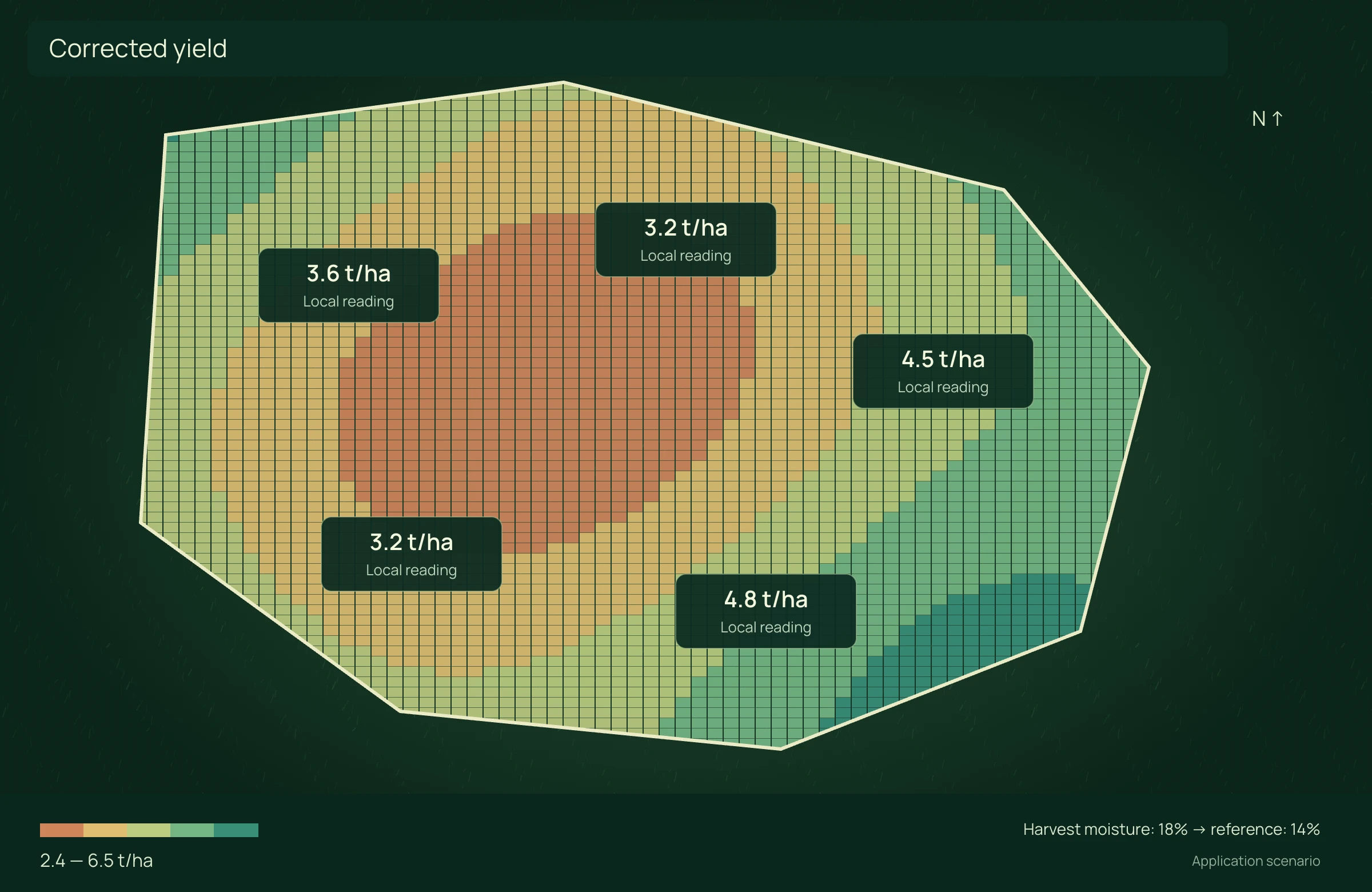
APPLICATION SCENARIO
A harvester records yield spikes during turns. The team examines outliers, corrects reference moisture and compares spatial distribution to decide where to investigate next season.
PRECISION YOU CAN MEASURE
Combine multi-season yield maps with soil attributes, investigate differences and plan the next variable-rate application. Rates below are entered recommendations, not automatically inferred from yield.
Same area and product. Include sampling, laboratory, differential application and interpretation in technology costs. Variable rate can increase total input demand; the result also shows that cost. No assumed yield gain.
ECONOMIC COMPARISON
Enable JavaScript to calculate this scenario.
Editable example per campaign or project. Enter local costs and the share of software, correction signal, equipment and services used in this scenario. Results are estimated from inputs; defaults are not research averages. Do not add benefits from studios representing the same operation.
Zone C = 100% − A − B. Average rate = A% × rate A + B% × rate B + C% × rate C. Product costs = area × rate × price/kg. Net benefit = uniform cost − variable cost − technology.
Net benefit = conventional cost − precision cost, including technology. Net return on technology = net benefit ÷ allocated technology cost × 100; displayed only when this cost is greater than zero. Only described components are compared, not the full crop budget.
Explore scenarios, track the effect of each input and export the comparison to discuss with your team.
References support the agronomic mechanisms. Example values are editable assumptions, not percentages attributed to the studies.
ONLINE AND DESKTOP · WINDOWS AND macOS
From a connected environment to planning with local files: choose the work profile that suits your team and operation.
Access the platform in your browser and connect information, analysis and deliverables in one workspace.
Organize files and projects on your computer, prepare basemaps and bring planning into your field routine.
For teams that center technical work on Windows workstations and value organized files, equipment and projects.
Talk to our team to define the right configuration for your online or offline operation.
Choose my solution ↗CONTINUE THE WORKFLOW
LET’S TALK ABOUT YOUR OPERATION