Your starting point
Geotagged photos, camera information and PPK support when available.

GEOFARM PRO / CONNECTED TOOLS
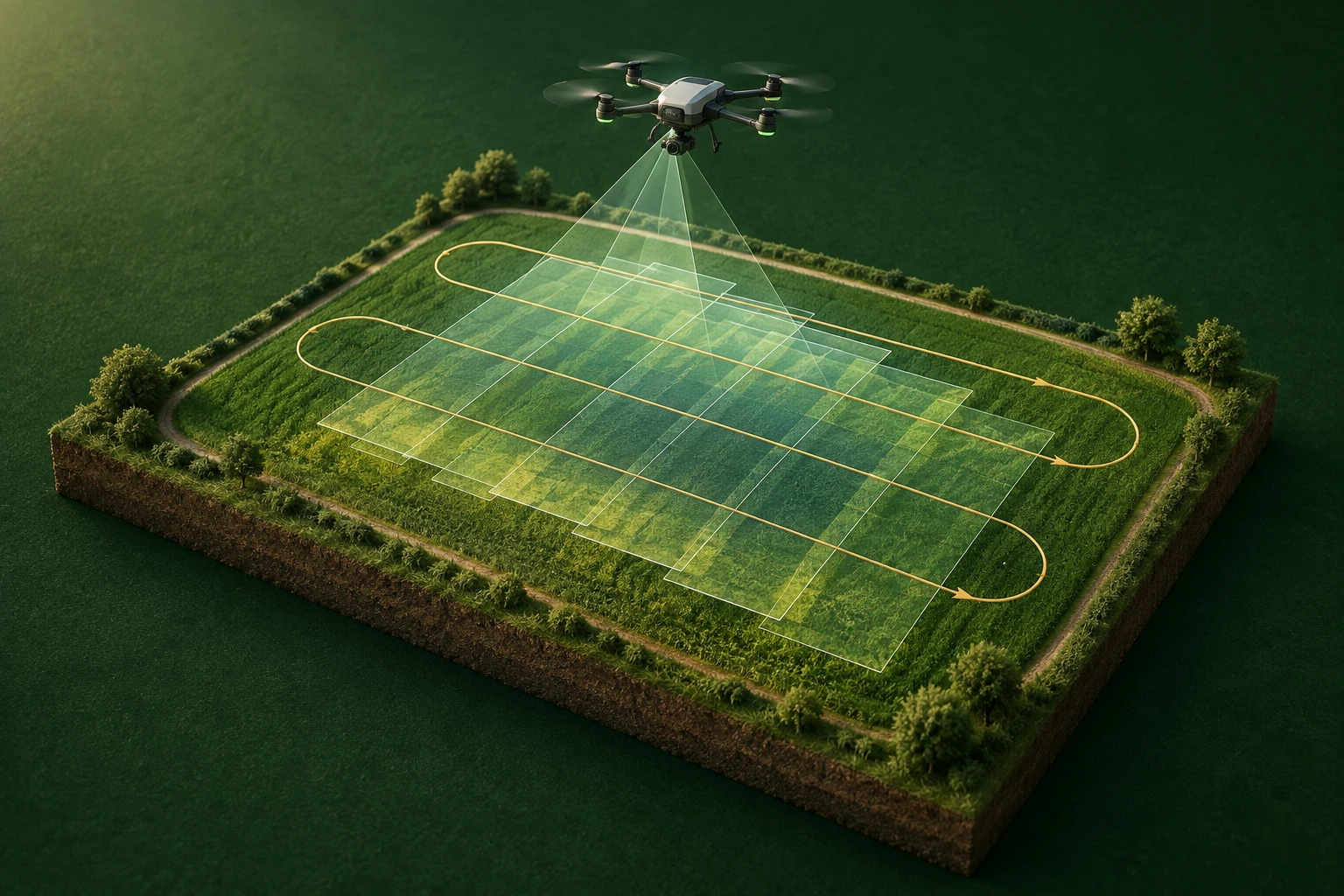
Import geotagged photos and PPK support files. Inspect flight paths, footprints, GSD, overlap and quality; create a quick mosaic, RGB indices, count estimates, rows and flight plans.
Geotagged photos, camera information and PPK support when available.
Validate survey coverage and turn imagery into scouting targets.
Flight layers and exploratory analysis. Quicklook does not replace photogrammetric orthorectification.
INSIDE THE TOOL
From data preparation to final delivery, explore the controls that bring precision to planning and connect every stage of your work.
Read capture positions and camera data. PPK support files add survey references when present.
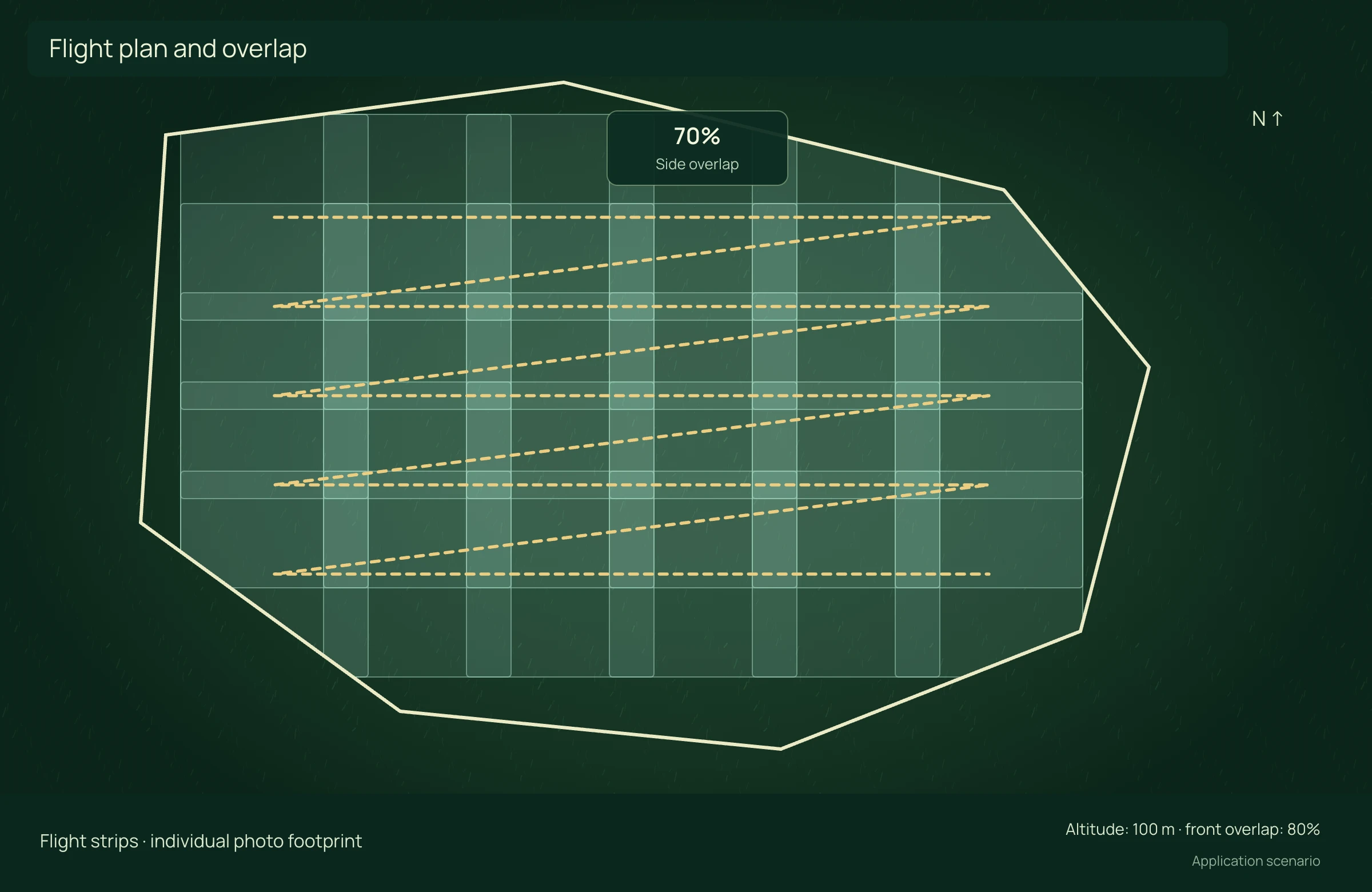
Visualize the trajectory, each capture and each photo footprint. Together they reveal the flight’s spatial organization.
Assess ground resolution, altitude, overlap and sharpness to review material consistency before analysis.
Build an initial flight view with a quicklook mosaic and RGB indices. Explore vegetation cover and visual patterns across the area.
Explore row recognition, count estimates and gaps to support establishment assessment.
Plan mission coverage and organize flight products. Export layers to continue work in other studios.
APPLICATION SCENARIO
Before leaving the farm, the operator reviews coverage, gaps and sharpness. A quick mosaic helps initial scouting; a final metric product still requires appropriate photogrammetric processing.
PRECISION YOU CAN MEASURE
Plan coverage, organize the survey and connect flight data with analysis and design maps.
Compare surveys with equivalent deliverables, accuracy and field control. Include mobilization and control points in technical hours. Full drone purchase is excluded: allocate its use to the scenario.
ECONOMIC COMPARISON
Enable JavaScript to calculate this scenario.
Editable example per campaign or project. Enter local costs and the share of software, correction signal, equipment and services used in this scenario. Results are estimated from inputs; defaults are not research averages. Do not add benefits from studios representing the same operation.
Conventional = hours × hourly cost. Missions = ceil(area ÷ coverage). Drone = missions × minutes/60 × flight cost/h + technical hours × technical cost/h. Net benefit = conventional − drone − technology.
Net benefit = conventional cost − precision cost, including technology. Net return on technology = net benefit ÷ allocated technology cost × 100; displayed only when this cost is greater than zero. Only described components are compared, not the full crop budget.
Explore scenarios, track the effect of each input and export the comparison to discuss with your team.
References support the agronomic mechanisms. Example values are editable assumptions, not percentages attributed to the studies.
ONLINE AND DESKTOP · WINDOWS AND macOS
From a connected environment to planning with local files: choose the work profile that suits your team and operation.
Access the platform in your browser and connect information, analysis and deliverables in one workspace.
Organize files and projects on your computer, prepare basemaps and bring planning into your field routine.
For teams that center technical work on Windows workstations and value organized files, equipment and projects.
Talk to our team to define the right configuration for your online or offline operation.
Choose my solution ↗CONTINUE THE WORKFLOW
LET’S TALK ABOUT YOUR OPERATION