Your starting point
Reviewed dataset, selected format and destination requirements.

GEOFARM PRO / CONNECTED TOOLS
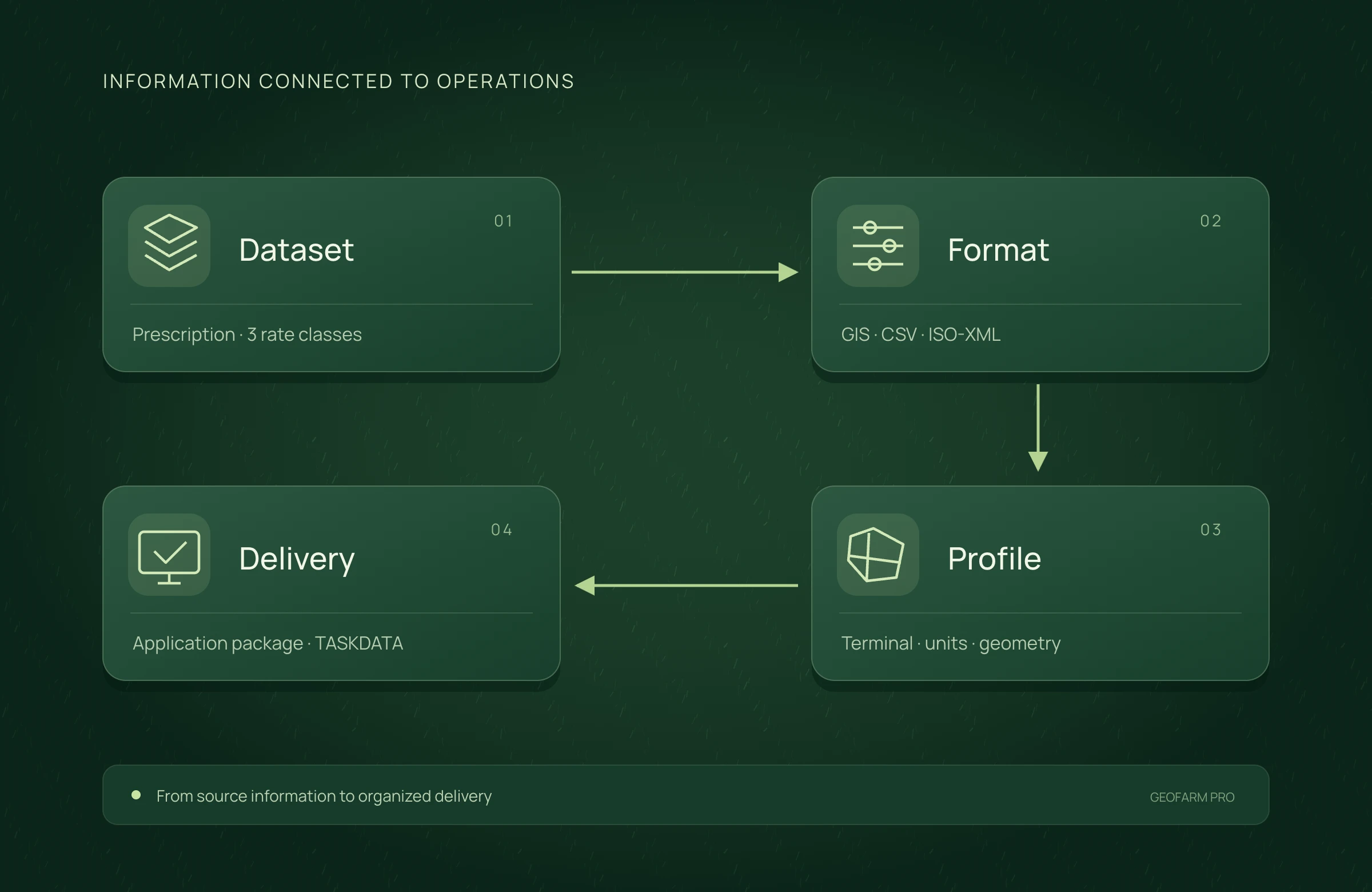
Select dataset, format and destination profile. Review options and validation before downloading GIS files, tables, ISO-XML and available specific packages. Compatibility must be checked by model and content.

Reviewed dataset, selected format and destination requirements.
Prepare deliverables against the technical requirements of the destination.
File validated against its profile; proprietary formats may require an SDK or integration.
INSIDE THE TOOL
From data preparation to final delivery, explore the controls that bring precision to planning and connect every stage of your work.
Start with the reviewed map and choose the delivery destination.
Share geometries and attributes in geographic exchange formats.
Prepare attributes and points for tabular analysis and further project work.
Select the appropriate structure for the terminal and operation content.
Organize design layers for selected leveling profiles.
Review package options and download the deliverable with your chosen configuration.
APPLICATION SCENARIO
To deliver to an operator, a provider selects the correct profile and reviews validation warnings. The process includes checking that the equipment interprets the contents as expected.
PRECISION YOU CAN MEASURE
Prepare the destination format and profile and validate delivery before transfer to the terminal.
Compare the same workload. Rework cost includes only expenses and hours not already counted per item. Time saved is released capacity; it becomes cash savings when an actual expense is reduced.
ECONOMIC COMPARISON
Enable JavaScript to calculate this scenario.
Editable example per campaign or project. Enter local costs and the share of software, correction signal, equipment and services used in this scenario. Results are estimated from inputs; defaults are not research averages. Do not add benefits from studios representing the same operation.
Cost = items × minutes/item ÷ 60 × cost/h + rework events × cost/event. Net benefit = conventional cost − organized cost − allocated technology.
Net benefit = conventional cost − precision cost, including technology. Net return on technology = net benefit ÷ allocated technology cost × 100; displayed only when this cost is greater than zero. Only described components are compared, not the full crop budget.
Explore scenarios, track the effect of each input and export the comparison to discuss with your team.
ONLINE AND DESKTOP · WINDOWS AND macOS
From a connected environment to planning with local files: choose the work profile that suits your team and operation.
Access the platform in your browser and connect information, analysis and deliverables in one workspace.
Organize files and projects on your computer, prepare basemaps and bring planning into your field routine.
For teams that center technical work on Windows workstations and value organized files, equipment and projects.
Talk to our team to define the right configuration for your online or offline operation.
Choose my solution ↗CONTINUE THE WORKFLOW
LET’S TALK ABOUT YOUR OPERATION